Your First Route
This tutorial adds a second route to the setup from the Quick Start: requests to /orders/* will be forwarded to the echo backend with the /orders prefix stripped, and upstream failures will get a custom JSON error response.
Make sure the gateway and the echo backend are running (locally or via docker compose up).
1. Add the route
A route pairs a match rule with the name of a policy. Append this to the routes: list in config/gateway.yaml:
routes:
  # ... existing echo-api route ...
  - name: orders-api
    match:
      path: /orders/*
      methods: [GET, POST]
    policy: orders-policy
match.path— glob-style path pattern the incoming request must match.match.methods— allowed HTTP methods.policy— the name of a policy defined in thepolicies:section. Routes are checked in declaration order; the first match wins.
2. Add the policy
A policy is a node graph: a list of nodes (plugin instances) and edges (connections between ports). Append this to the policies: list — it is the shipped echo-policy adapted for the new prefix:
policies:
  # ... existing echo-policy ...
  - name: orders-policy
    error_handler: error-handler
    nodes:
      - id: listener
        type: listener

      - id: rewrite-request
        type: proxy-rewrite
        config:
          phase: request
          strip_path_prefix: /orders

      - id: backend
        type: upstream
        config:
          targets:
            - host: ${ECHO_BACKEND_HOST:-localhost}
              port: ${ECHO_BACKEND_PORT:-3000}

      - id: error-handler
        type: error-handler
        config:
          status_code: 502
          body_template: '{"error": "{{error.code}}", "message": "{{error.message}}"}'

      - id: client
        type: client

    edges:
      - from: listener.out
        to: rewrite-request.in
      - from: rewrite-request.success
        to: backend.in
      - from: backend.success
        to: client.in
      - from: backend.error
        to: error-handler.in
      - from: error-handler.success
        to: client.in
Reading it piece by piece:
- Nodes. Each node has a unique
id, atype(one of the built-in plugin types), and a type-specificconfigmap. Every policy must contain alistenernode (the graph's entry point) and aclientnode (the terminal exit point) — see Listener and client nodes. - Edges. Each edge connects
from: node_id.porttoto: node_id.port. The listener emits the initial context on itsoutport; plugin nodes emit onsuccessorerror; targets receive onin. See Policies and graphs for the full port semantics. - Happy path.
listener → rewrite-request → backend → client: strip/orders, call the upstream, send its response to the caller. - Error path.
backend.error → error-handler.inroutes upstream failures to a node that renders a 502 with a templated JSON body, which then flows to the sameclientnode. The policy'serror_handler: error-handlerfield additionally names this node as the catch-all for any node whose error port is not wired — see Error handling.
3. Reload the configuration
You have two options:
- Just save the file. A file watcher detects changes to
gateway.yamland hot-reloads automatically. - Trigger it explicitly via the admin API:
curl -X POST -u admin:admin http://localhost:9090/api/config/reload
Either way the gateway validates and compiles every policy before swapping the route table. If your edit is invalid (for example an edge pointing at a nonexistent node), the reload fails and traffic keeps flowing on the previous configuration — check the gateway logs for the validation messages.
4. Verify
curl http://localhost:8080/orders/123
The echo backend reports the path it received, confirming the prefix strip:
{
  "method": "GET",
  "path": "/123",
  "headers": {
    "host": "localhost:3000",
    "accept": "*/*"
  }
}
To see the error path, stop the echo backend and repeat the request — the error-handler node now answers:
{"error": "upstream_error", "message": "..."}
with status 502.
5. Edit the same policy in the web UI
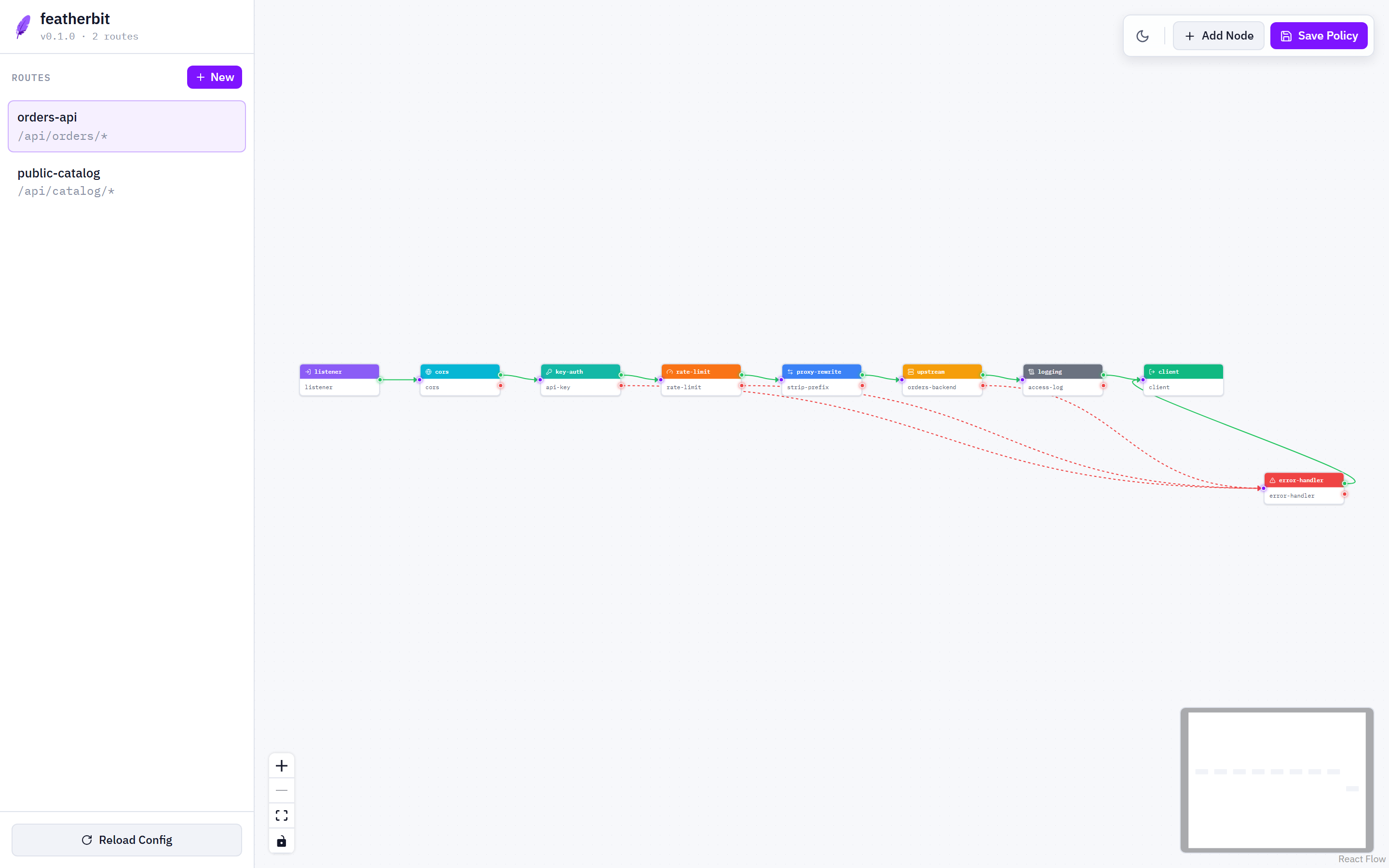
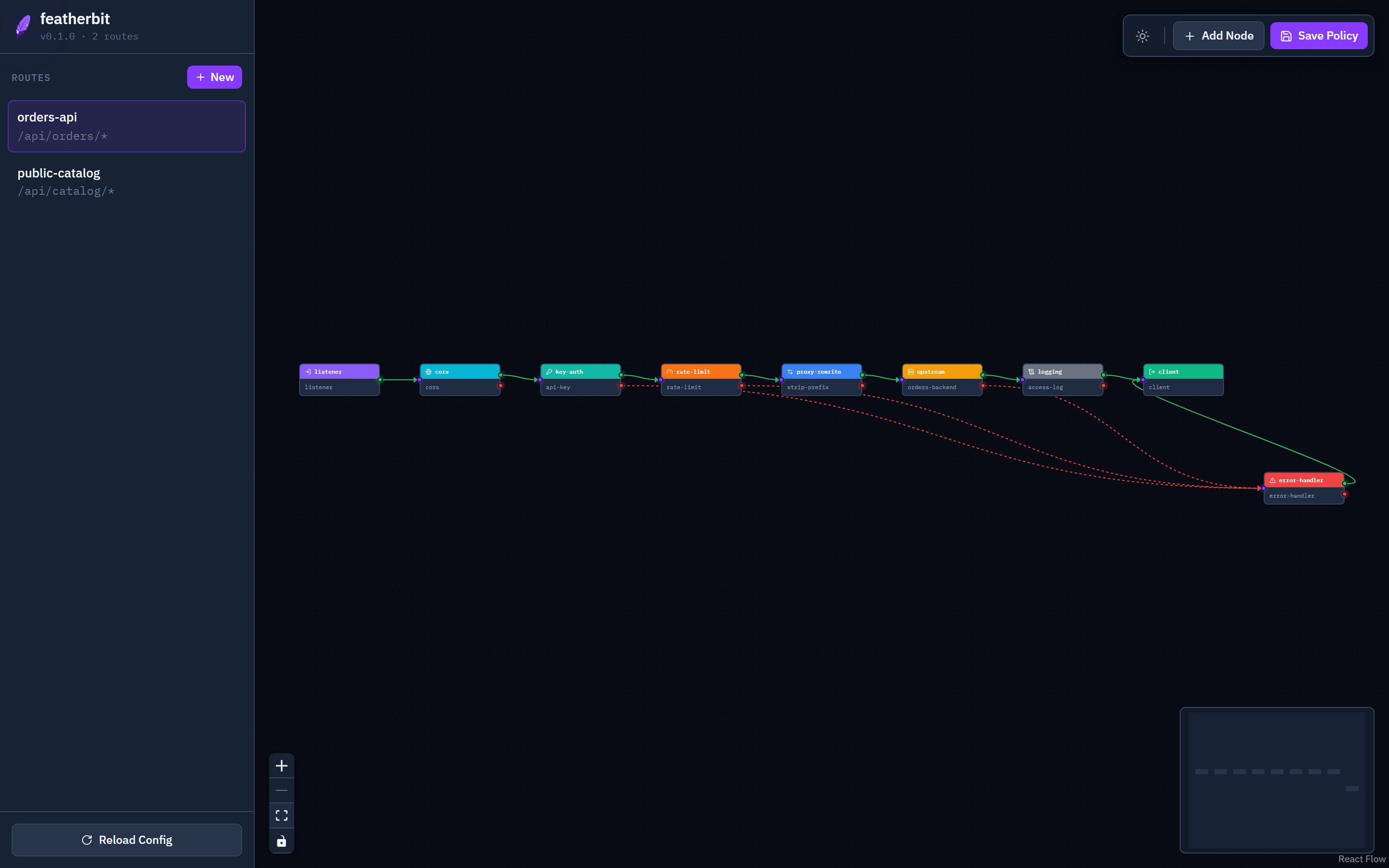
Open http://localhost:9090 and select orders-api in the route list. The exact graph you wrote in YAML appears on the canvas: green wires for success edges, red for error edges. You can add plugins from the drawer, rewire ports, edit node config in the inspector, and click Save Policy to deploy — the UI and the YAML are two views of the same data, so changes made in either place stay in sync.